EVEREST

AERIALS & SATELLITES

Professional Starlink Installation | Blazing-Fast Satellite Broadband

  • ✓ Zero Obstructions — Precision roof, wall, or chimney mountings engineered to unlock maximum field of view
  • ✓ Blazing Rural Speeds — Instant professional setup for high-speed, low-latency satellite internet dropouts
  • ✓ Professional Cabling — Weatherproof external cable routing and clean interior wall-plate finishes
📞 Speak to a Starlink Installation Expert Free: 0800 046 7879

Check Coverage in Your Area

Get a Free Quote0800 046 7879
Professional Starlink satellite dish mounting and setup service.
✓ 25+ Years Experience
✓ Why Choose Everest

Get the Speeds Starlink Promises — With the Right Installation

Starlink's performance is heavily dependent on dish placement. Even a small obstruction on the horizon can cause regular dropouts. Our engineers use the Starlink obstruction app alongside on-site assessment to find the optimal mounting position, secure the dish with weatherproof fixings, route cables cleanly into the property, and benchmark your speeds before signing off. You get the fast, reliable broadband Starlink is capable of.

  • ✓Obstruction analysis before mounting
  • ✓Optimal position for maximum sky view
  • ✓Weatherproof cable entry as standard
  • ✓Router and mesh network configured
  • ✓Speeds benchmarked before sign-off
Get a Free Quote

What Our Starlink Installation Service Includes

Achieving consistent 100+ Mbps speeds with Starlink requires a completely unobstructed view of the satellite constellation. Simply placing the dish in the garden or on a low patio often leads to frequent dropouts caused by trees, roof lines, and passing vehicles. Our mobile installation teams carry advanced alignment tools to scan for potential obstructions before fixing a single mount. We supply heavy-duty, galvanized steel masts and bespoke masonry brackets designed to withstand harsh UK weather. We handle the entire engineering process—safely routing the proprietary Starlink data line through external cavities and setting up your internal router configuration for flawless home connectivity.

Bespoke Structural Mountings & Fittings

  • ✓ High-Level Roof and Chimney Starlink Dish Mountings
  • ✓ Heavy-Duty Gable Wall Bracket and Galvanised Mast Extensions
  • ✓ Non-Drilling Roof Mount Setups for Flat Roofs or Outbuildings
  • ✓ Custom Pole and Outbuilding Links for Rural Estates

System Connectivity & Cable Containment

  • ✓ Internal Cavity Wall Drops and Clean Ethernet Faceplate Fittings
  • ✓ Hardwired Ethernet Adapter Integration for Smart Home Hubs
  • ✓ Mesh Wi-Fi Network Setup for Multi-Room Broadband Coverage
  • ✓ Re-Routing and Weatherproofing Existing Temporary Cable Runs
£

Starlink Installation Pricing

from £89*— exact price confirmed in your free quote

Installation only — Starlink hardware is purchased separately from Starlink. Price varies by mounting type and complexity. Typical installation takes 2–3 hours.

✓

Your exact price is confirmed in a free written quotation before any work begins — no hidden fees, no call-out charge.

* All prices shown are exclusive of VAT. VAT at the standard rate will be added to your final invoice.

Everything Included in Our Starlink Installation

✓Starlink dish mounting and alignment
✓Roof, wall, and ground mounting options
✓Weatherproof cable installation
✓Router and network setup
✓Mesh WiFi integration available
✓Ethernet backhaul configuration
✓Optimal placement for best speeds
✓Complete system testing

Why Professional Starlink Mounting Matters

✓High-speed internet in rural areas (100-200 Mbps typical)
✓No phone line or fiber connection required
✓Professional secure mounting
✓Weatherproof installation built to last
✓Minimal visual impact on property
✓Full system optimization and testing
✓Integration with existing home network
✓Expert troubleshooting if issues arise

Same-Day Service Available

Ready to book for starlink installation?

✓ Free written quote   ✓ No call-out fee   ✓ 5-year guarantee

How Our Starlink Installation Service Works

1

Sky View Assessment & Obstruction Analysis

Our engineer uses the Starlink app alongside physical on-site assessment to find the optimal mounting position — confirming the unobstructed sky view required for reliable Starlink internet performance throughout the year.

2

Professional Dish Mounting

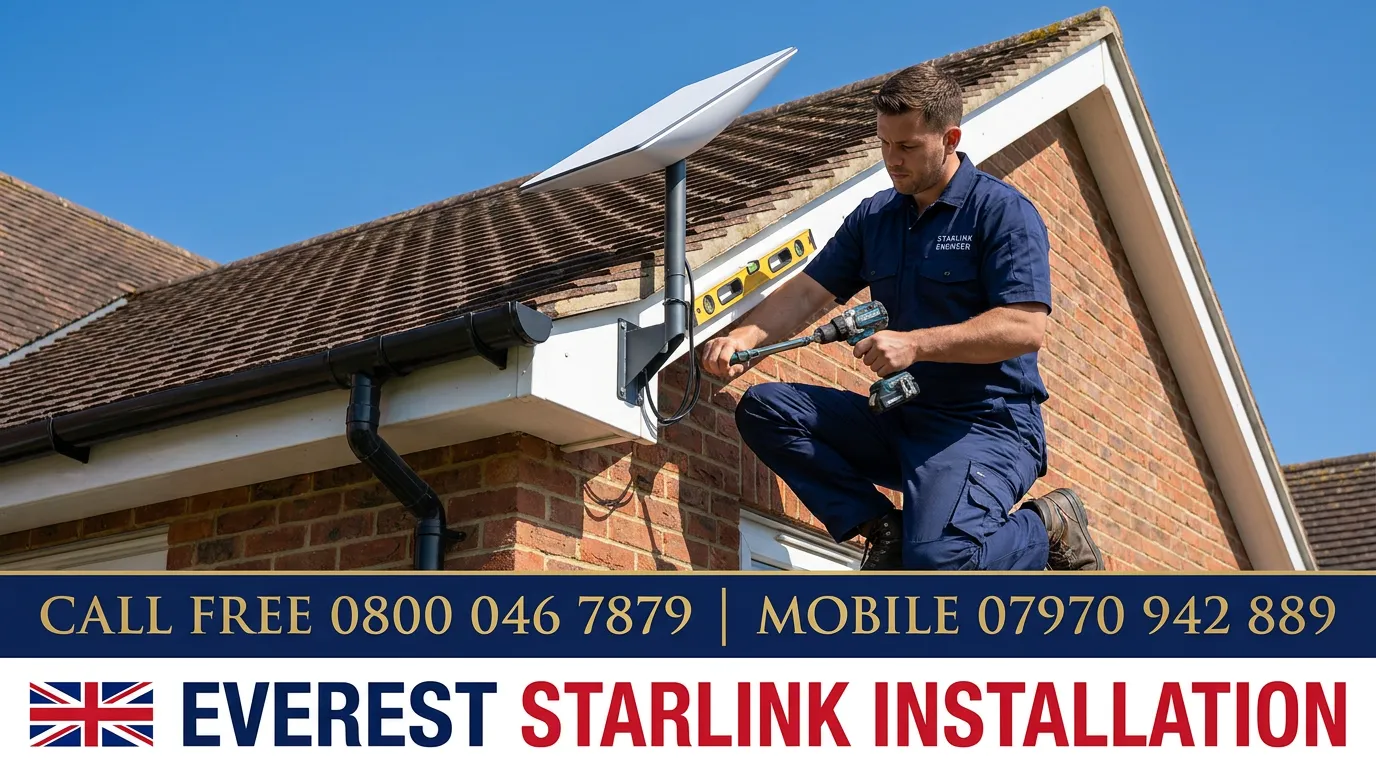
The Starlink dish is mounted on your roof, wall, or mast with weatherproof fixings rated for UK wind loads. We ensure the dish has an unobstructed sky view and route the cable securely into the property with a weathersealed entry point.

3

Cable Routing & Network Setup

The Starlink cable is installed neatly into your property, the Starlink router is positioned for optimal WiFi coverage, and your network is configured — or the Starlink connection is integrated into your existing network infrastructure.

4

Speed Benchmarking & Full Configuration Sign-Off

We run speed tests to confirm your connection is performing correctly, configure devices and network settings for optimal performance, and walk you through the Starlink app and controls before signing off.

Common Problems Our Starlink Installation Customers Come to Us With

These are the situations we deal with every day — and why a professional, properly-equipped engineer makes the difference.

No usable broadband in a rural or remote location

✓

Starlink satellite internet installed — fast, reliable broadband regardless of how remote your property is

Starlink self-installed but delivering much slower speeds than expected

✓

Dish repositioned to optimal sky view — speeds benchmarked and confirmed before sign-off

Dish at ground level obstructed by trees or surrounding buildings

✓

Roof or mast mounting to clear obstructions — unobstructed sky view confirmed with the Starlink app

Starlink cable visible and exposed from dish to entry point

✓

Cable route replanned and neatly installed through walls with weatherproof sealed entry points

Starlink router WiFi not reaching outbuilding, garden office, or all floors

✓

Mesh network installed and configured — Starlink coverage extended throughout the entire property

Business needing a reliable backup internet connection

✓

Starlink installed and configured as automatic failover — instant switchover when primary connection drops

Obstruction Analysis: Why Placement Determines Performance

Starlink's satellites operate in low Earth orbit at around 550km altitude, far lower than traditional geostationary satellites. This enables much lower latency but introduces a critical requirement: the dish needs a clear, unobstructed view of a large portion of the northern sky — not just a single fixed point. The Starlink app includes an obstruction analysis tool that uses your phone's camera and motion sensors to map the sky above a proposed dish location, highlighting any obstructions that will cause service interruptions.

We conduct this analysis at survey stage, assessing multiple potential mounting positions before selecting the optimal one. A dish with even a narrow obstruction — a chimney stack, a large tree, an adjacent building — will experience regular brief outages as satellites pass behind it. In practice, one or two obstructions cause minimal disruption; a cluster of obstructions in a specific sky segment can cause sustained service degradation during the periods when the satellite constellation is covering that segment. Our engineers have access to detailed coverage modelling tools and can predict, based on a specific mounting location, approximately what percentage uptime to expect before any hardware is ordered.

Integrating Starlink With Your Home Network

The Starlink kit ships with a proprietary router and a single cable between the dish and router. For most users, the included router is sufficient for basic WiFi coverage in a standard UK house. For users who need wired connections, extended coverage, integration with an existing mesh network, or separation of IoT devices onto a separate network segment, additional configuration is required — and this is where the standard self-install process often falls short.

We configure Starlink in bypass mode where required, connecting it to an existing router or mesh system as the WAN input. This allows customers to retain their existing network infrastructure — including any WiFi access points, managed switches, or VPN configurations already in place — while benefiting from Starlink's connection. For rural properties where Starlink is the first high-speed connection, we typically recommend adding a quality router and a WiFi mesh system simultaneously, configured from the outset with IoT isolation, guest networks, and DHCP reservation for devices that need stable IP addresses. All of this is configured, tested, and explained before we leave.

Watch This Service in Action

Watch on YouTube

Expert Advice & Reading

View all expert articles

Get Your Free, No-Obligation Quote

Every property is unique. Contact us today for a personalized quote for starlink installation based on your specific requirements. Free quotes, transparent pricing, no hidden fees.

Call Us Free

0800 046 787907970 942 889

Mon–Fri 8am–9pm, Sat–Sun 8am–5pm

Online Quote

Fill Quote Form

Response within 24 hours

✓ No Hidden Fees   ✓ Transparent Pricing   ✓ Written Quotes   ✓ All Work Guaranteed

Frequently Asked Questions

Do you provide free quotes for Starlink installation?

Yes, we provide completely free, no-obligation quotes for all Starlink installations. Call us on 0800 046 7879 or use our online contact form. We'll discuss your property, mounting options, and requirements to provide an accurate written quotation. The Starlink kit itself must be purchased separately from Starlink.

How fast is Starlink internet?

Starlink typically delivers 100-200 Mbps download speeds in the UK, with some users seeing higher during off-peak times. Upload speeds are generally 10-20 Mbps. Speeds can vary based on network congestion, weather, and satellite visibility. Latency is 25-50ms, suitable for gaming and video calls.

Where should the Starlink dish be mounted?

Starlink dishes need a clear view of the sky with minimal obstructions (trees, buildings). The dish auto-orients to find satellites, but we'll position it for optimal performance. Common locations include roofs, chimneys, walls with clear sky view, or ground-mounted poles in gardens. North-facing with wide sky visibility is ideal in the UK.

Can you install Starlink on my roof?

Yes, we regularly install Starlink dishes on roofs, chimneys, walls, and ground mounts. We ensure secure mounting that withstands UK weather conditions (wind, rain, snow) while maintaining clear sky visibility. All roof penetrations are properly sealed and weatherproofed.

Will Starlink work in bad weather?

Starlink works in most weather conditions. Heavy rain or snow can occasionally cause brief speed reductions ('weather fade'), but service remains functional. Professional installation with optimal dish positioning ensures best all-weather performance. Starlink's self-heating dish melts snow automatically.

Can I use my existing router with Starlink?

Yes, you can connect your own router to Starlink (via the Starlink router's ethernet adapter, sold separately). This allows you to use your existing mesh WiFi system or preferred router. We can configure this setup as part of installation.

How long does Starlink installation take?

Starlink installation typically takes 2-3 hours including mounting the dish, running cables into your property, setting up the router, configuring your network, and testing speeds. Complex installations (long cable runs, difficult mounting) may take 3-4 hours.

Do I need planning permission for Starlink?

Generally no planning permission is required for Starlink dishes on residential properties under permitted development rights. However, listed buildings, conservation areas, and some rentals may have restrictions. We can advise on your specific situation. Always check with your landlord if renting.

Can Starlink be installed in apartments?

Yes, if you have balcony, roof, or communal area access with clear sky view. Ground-mounted options using weighted stands work well for balconies. You'll need permission from your building management or landlord. We'll survey your property and recommend the best solution.

What if I move house?

Starlink dishes are portable. We can remove your Starlink dish and reinstall it at your new property. You simply update your service address with Starlink. The portability makes Starlink ideal for renters and those who may relocate. Contact us for a quote on removal and reinstallation.

Do I need to buy the Starlink kit before you install it?

Yes — the Starlink hardware (dish, cable, and router) must be purchased directly from Starlink at starlink.com before we can install it. Our service covers professional mounting, cable routing, weatherproofing, router setup, and network integration. We can advise on the correct Starlink plan and hardware package for your requirements before you order.

How does Starlink differ from standard satellite broadband like Tooway or Konnect?

Traditional satellite broadband uses geostationary satellites approximately 35,000km above Earth, which causes high latency (600–800ms) making it unsuitable for video calls or gaming. Starlink uses low-earth orbit satellites approximately 550km up, giving latency of 25–50ms — comparable to fixed-line broadband. Speeds are also substantially higher, and Starlink doesn't suffer the strict data caps common on older satellite services.

Can Starlink replace my existing broadband as a primary connection?

Yes, and for rural and remote UK properties it frequently provides a substantially better service than ADSL, copper cable, or 4G. Speeds of 100–200 Mbps are typical for most UK locations. Where fibre is available, Starlink can serve as a backup connection for resilience. We configure Starlink integration with your home network to ensure seamless use as your primary or backup internet source.

What happens to Starlink in heavy rain, snow, or high winds?

Starlink is considerably more weather-resistant than geostationary satellite broadband due to its lower orbit. Heavy rain causes minimal impact. The Starlink dish has a built-in heater that automatically melts snow and ice accumulation. High winds affect the dish only if mounting is inadequate — our installations use correctly rated brackets for the mounting position, and we verify wind load ratings before specifying fixings.

Can Starlink be installed on a caravan or motorhome?

Starlink offers a 'Roam' service plan designed for portable and in-motion use. We can mount dishes on caravans, motorhomes, and horse trailers using appropriate vehicle-specific brackets. For stationary use at a site, a tripod or portable pole mount is also an option. We advise on the correct plan — Starlink's standard Residential plan is tied to a single address and not designed for mobile use.

What is the Starlink app obstruction check and should I do it before booking?

The Starlink app includes an augmented reality tool that uses your phone's camera to scan the northern sky from your proposed dish location, identifying any obstructions like trees, chimneys, or buildings that would block satellite access. Running this check before booking gives both you and us useful early information — though our engineers always complete a full on-site obstruction analysis with specialist software on the day of installation.

Can you integrate Starlink with my existing mesh WiFi network?

Yes — Starlink's router can be put into 'bypass mode' so your existing mesh WiFi router handles network management. This is often preferable if you have a high-quality mesh system already, as Starlink's own router is functional but lacks advanced management features. We configure the integration, test speeds through both routers, and ensure seamless WiFi throughout your home using the Starlink connection as the internet source.

What is Starlink Priority versus Basic data and does it affect my installation?

Starlink's Residential plan delivers what Starlink terms 'Priority' data, which maintains consistent speeds even when the network is busy. 'Basic' data (available on some plans) is deprioritised during peak congestion. The plan type doesn't affect the physical installation — the hardware and mounting are identical regardless of plan. We advise on which plan suits your usage before you order.

How does Starlink compare to rural 4G home broadband options?

In areas with strong 4G coverage, 4G home broadband can deliver good speeds and lower latency than Starlink, often at lower monthly cost. However, 4G performance degrades significantly in areas of limited coverage or during peak usage — which is precisely where rural properties typically are. Starlink's coverage is consistent regardless of distance from mobile masts. Our engineers are familiar with both technologies and can advise which is more appropriate for your specific location.

How long does a Starlink installation typically take?

A standard Starlink installation takes approximately 2–3 hours from arrival to a fully tested, working connection. This includes site assessment for optimal dish position, mounting the dish, routing and securing the cable, sealing all penetrations, configuring the router and any mesh integration, and benchmarking internet speeds. Complex installations — pole-mounted, long underground cable runs, or integration with existing network infrastructure — may take 3–4 hours.

Everest Aerials operates a highly trained network of mobile satellite and broadband engineers traveling directly across multiple UK counties. Because mounting a Starlink dish safely at height requires heavy-duty ladders, industrial masonry anchors, and low-loss cable containment fittings, our mobile deployment units arrive carrying everything needed to get you online in a single visit. By dispatching local mobile vehicles from regional tracking hubs, we provide prompt same-day transformations and fixed on-site quotes without ever requiring a high-street showroom.

Starlink Installation Areas We Cover

Our starlink installation service is available across England, Scotland, and Wales — with local engineers in over 700 towns and cities ensuring fast response times wherever you are.

Show all 126+ areas

Full areas directory →

Related Services

Satellite Dish Installation

Sky, Freesat, and foreign satellite dish installation with multi-room options available.

Learn More

TV Aerial Installation

Professional digital Freeview aerial installation with full signal testing and optimization.

Learn More

WiFi Optimization & Mesh Networks

Professional WiFi mesh network installation and whole-home coverage optimization for fast, reliable internet in every room.

Learn More

Expert Engineers

Highly Trained

Verified Installers

City & Guilds Qualified

Get Your Free Quote

Call us directly or fill in the form below for a free, no-obligation quote.

Call Free0800 046 7879Call Mobile07970 942 889

Mon to Fri 8am – 9pm  |  Sat to Sun 8am – 5pm

Or request a call back online

Every job is handled by certified engineers running a fully compliant starlink installation service: we supply and deploy Starlink dishes, secure mounts, and routers with tidy concealed cable runs, all backed by our 5-year guarantee.